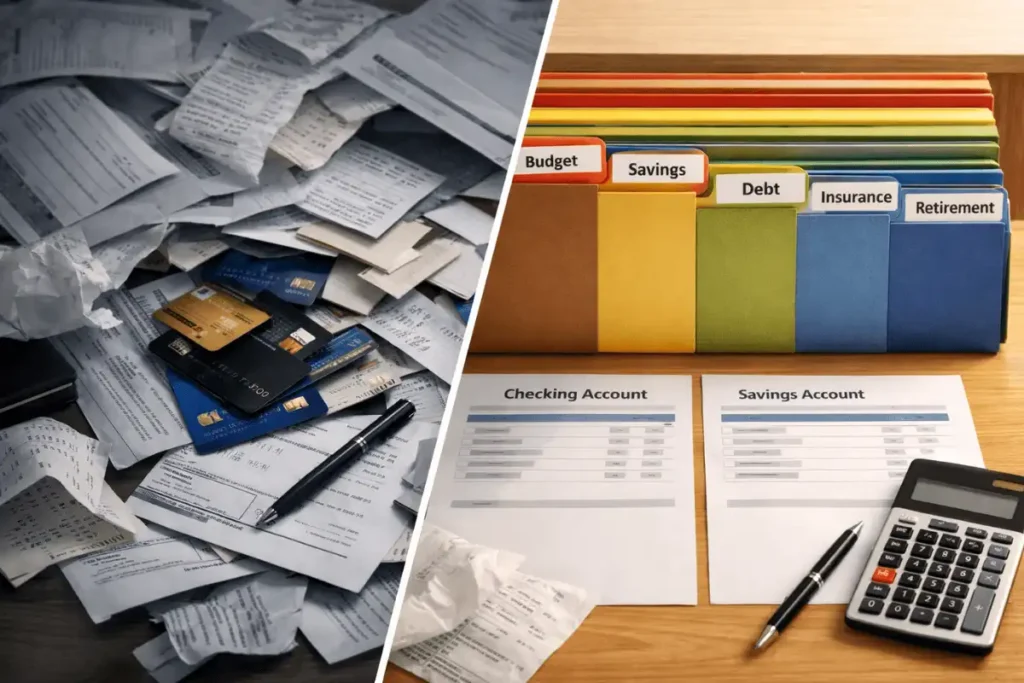
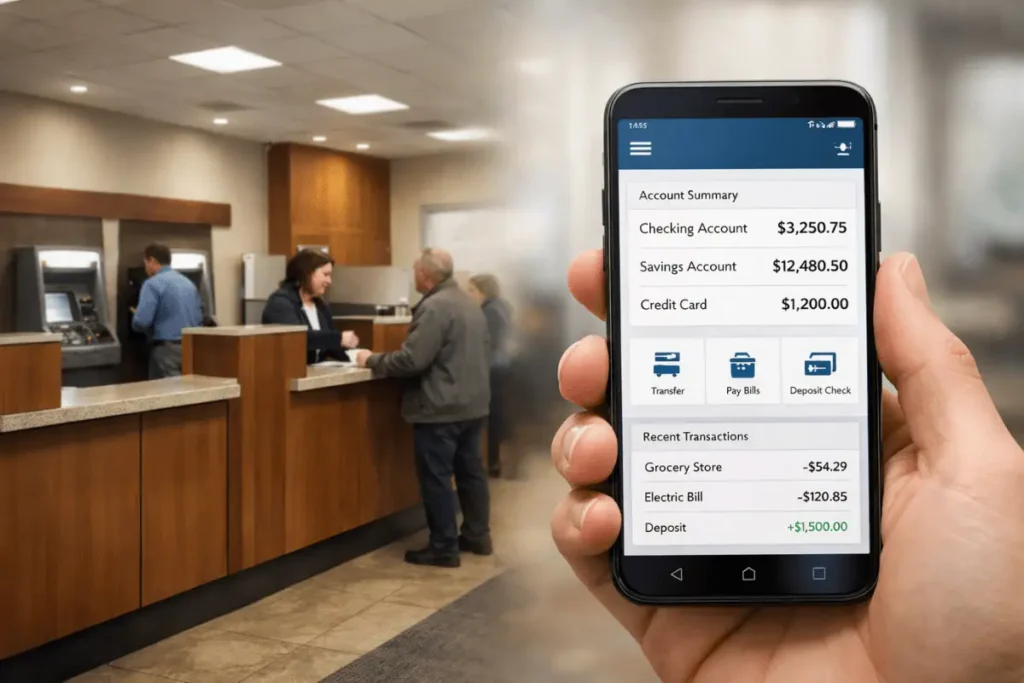
Choosing the right account can feel like decoding a fee schedule written in invisible ink. If you’ve ever wondered how to choose a bank account that actually fits your life—covering checking, savings, CDs, and online banks—this guide breaks it down in plain English. We’ll show you exactly what to look for, what to avoid, and how to set up a simple system that quietly saves you money and stress every month.
To see how these accounts fit into a complete money plan, check out our comprehensive Personal Finance Guide.
Table of Contents
Step 1: Get clear on what your money needs to do
Before comparing features, define the job for each account. This is the fastest, most reliable way to decide how to choose a bank account without getting distracted by promos or flashy app features.
Ask yourself:
- Do I need seamless spending for everyday purchases and bills?
- Am I building a 3–6 month emergency fund I won’t touch?
- Is this money for short-term goals (like a vacation) or longer-term cash needs?
- Do I prefer a nearby branch, or is a mobile-first experience more important?
- How often do I use cash or ATMs—and how fee-sensitive am I?
A quick example: A friend kept all his cash in a single checking account because it “felt simpler.” He earned near-zero interest and overdrafted twice a year. We split his money into a no-fee checking account for spending and a high-yield online savings account for his emergency fund. Overnight, interest went up, fees went down, and the system became calmer to manage.
Pro tip: If you’re still unsure how to choose a bank account that fits your routine, track your last 60 days of spending. Your real patterns—not your ideal ones—should drive the decision.
Checking vs. Savings vs. Online Banks: What’s the difference?
Checking accounts: your spending hub
Checking accounts are built for daily use: debit card swipes, direct deposit, bill pay, ACH transfers, and ATM access. They usually pay little to no interest, so they aren’t ideal for long-term cash storage.
What to look for:
- Low or no monthly maintenance fee (and easy ways to waive it)
- Large, free in-network ATM access; low out-of-network ATM fees
- Useful digital tools: bill pay, mobile check deposit, card controls
- Overdraft options you control—opt-out, overdraft protection, or caps
Watch-outs:
- Overdraft and “extended overdraft” fees can stack up quickly.
- Hidden triggers for monthly fees (like minimum balances or a required number of transactions).
Best for: Everyday spending and bill payments.
Savings accounts and money market accounts: where your cash grows
Savings accounts are designed for money you don’t need daily. Many online banks offer high-yield savings accounts (HYSAs) with strong APYs. Money market accounts (MMAs) can blend decent rates with limited check-writing or debit access, though some require higher minimums.
What to look for:
- Competitive APY (Annual Percentage Yield)
- No or low minimum balance requirements
- Easy, fast transfers to your checking account
Watch-outs:
- Banks may cap monthly transfers or charge excess transaction fees even though the federal six-withdrawal limit was lifted in 2020.
- Introductory rates can drop—scan the bank’s rate history and fine print.
Best for: Emergency funds, short-term goals, and cash you want to grow while staying liquid.
Certificates of Deposit (CDs): lock it in
CDs pay a fixed interest rate for a set term (often 3–24 months or more). You typically earn more than in a standard savings account, but early withdrawals trigger penalties.
Smart moves:
- Laddering: Split money across multiple CD terms (e.g., 6, 12, 18 months) to keep some cash accessible while capturing higher rates.
- Match the term to your timeline—don’t lock up funds you might need.
- Consider no-penalty CDs for flexibility if you think rates may rise or your plans may change.
Best for: Cash you won’t need during the term and guaranteed rate certainty.
Online banks vs. traditional banks: who wins?
Online banks often win on rates and fees because of lower overhead and simpler product lines. Traditional banks may offer broader branch networks, in-person services, and integrated solutions like mortgages or small business banking.
Online banks usually offer:
- Higher APYs on savings and HYSAs
- Minimal or no monthly fees
- Broad surcharge-free ATM access via partners
Traditional banks may offer:
- Branch services, cashier’s checks, and face-to-face support
- One-stop banking (checking, loans, safe deposit boxes)
A hybrid setup is common: keep a no-fee, branch-accessible checking account for cash and services, plus an online high-yield savings account for growth. If you’re weighing a hybrid and still debating how to choose a bank account for each role, assign checking to convenience and savings to yield.
Note on “neobanks” and fintech apps: Many are not banks themselves but partner with FDIC-insured banks to hold deposits. Check how your money is insured and whether it’s held in your name at a partner bank.
Rates, fees, and the fine print: what to scrutinize
Banks love headline numbers. Your job is to read the details that actually affect your wallet.
Key terms
- APY vs. interest rate: APY reflects compounding and is best for apples-to-apples comparisons. See Investopedia: APY.
- Minimums: Some accounts require a minimum to open or to earn the advertised APY.
- Maintenance fees: Often waived with direct deposit or balance thresholds—verify the criteria.
- Overdraft fees: Know the cost per event and whether there’s a daily cap.
- ATM fees: Your bank and the ATM owner may both charge you. Prioritize wide surcharge-free networks.
Insurance and safety
- FDIC insurance protects bank deposits up to $250,000 per depositor, per insured bank, per ownership category.
- Credit unions are insured by the NCUA to the same limits.
Technology and access
- App quality matters. Look for real-time alerts, card freezing, fast transfers, and mobile check deposit.
- Faster payments are expanding. Some banks support instant peer-to-peer or FedNow for quick clearing.
Small math, big impact
- A $10,000 emergency fund at 0.01% earns $1 a year. At 4.25% APY, it earns about $425—without extra effort. If you’re still deciding how to choose a bank account for savings, that difference is your cue.
Red flags
- Short-lived promo APYs with complex qualifiers
- Excess transaction fees on savings
- Hard-to-waive monthly fees on checking
According to the CFPB, consumers have historically paid billions annually in overdraft and NSF fees—most of which are avoidable with the right setup.
How to choose a bank account: a 10-minute decision framework
Use this blueprint and adjust based on your priorities.
1) Assign jobs to each account
- Spending: everyday purchases and bills
- Safety: emergency fund
- Goals: short- and medium-term savings
2) Pick account types
- Checking for spending
- High-yield savings for emergency fund and near-term goals
- CD for money earmarked 6–24 months out
3) Match features to your habits
- Prefer branches? Lean traditional bank or credit union for checking
- Rate-first? Choose an online HYSA for savings
- Heavy cash usage? Ensure a strong, fee-free ATM network
4) Eliminate fee traps
- Require no monthly fees (or easy waivers)
- Opt out of overdraft or set strict alerts
5) Confirm coverage and access
- FDIC/NCUA insured
- Solid mobile app, fast transfers, useful alerts
At-a-glance recommendations
| Best For | Recommended Account Type | Key Features | Watch-outs |
|---|---|---|---|
| Everyday spending | No-fee checking | Bill pay, debit card, large ATM network | Overdraft fees, out-of-network ATM costs |
| Emergency fund | High-yield savings (online) | Competitive APY, quick transfers | Intro rates that drop; transfer limits |
| Short-term goals (3–12 months) | High-yield savings or MMA | Higher rate than checking, some liquidity | Minimum balance requirements |
| Longer-term cash (12+ months) | CD ladder | Rate certainty, staggered access | Early withdrawal penalties |
| Students/teens | Student checking + savings | No-fee, parental controls, budgeting tools | ATM fees, limited interest |
| Freelancers/side hustles | Separate business checking | Invoicing, clean records, tax buckets | Monthly fees if requirements aren’t met |
Real-world setups: 3 quick case studies
Case 1: The remote creative
- Profile: Jess, 28, pays rent, uses debit/credit, and wants to grow a $6,000 emergency fund.
- Setup:
- No-fee checking at a local credit union for cash access
- Online HYSA for emergency fund (linked to checking)
- Automatic transfer: $250 every payday into savings
- Result: Zero monthly fees, higher interest on savings, and clean separation between spending and safety.
Case 2: The family CFO
- Profile: Marco, 39, two kids, wants clarity across bills, groceries, and future expenses.
- Setup:
- Primary checking for bills (mortgage, utilities, subscriptions)
- Secondary “spend” checking for groceries/fuel with a weekly transfer cap
- HYSA buckets: emergency fund, annual expenses, vacations
- Result: No overdrafts, predictable cash flow, and steady progress toward family goals.
Case 3: The freelancer
- Profile: Priya, 33, variable income, quarterly tax payments.
- Setup:
- Dedicated business checking for invoices and expenses
- HYSA sub-accounts: taxes (30% of each deposit), emergency, new equipment
- Optional 6–12 month CD ladder for surplus cash
- Result: Clean books at tax time, fewer surprises, and growth on idle funds.
How to switch banks without the headaches
Switching is easier with a checklist. Give yourself 2–4 weeks to move cleanly.
1) Open the new account(s)
- Fund the minimum to activate
- Set up online access and alerts
- Confirm ATM networks and deposit options
2) Map your cash flows
- List direct deposits, bill payments, subscriptions, and transfers
- Download the last 90 days of statements to catch annual/quarterly charges
3) Move deposits first
- Update direct deposit and incoming transfers to the new checking
- Keep the old account open during the overlap
4) Redirect bill pay and subscriptions
- Update rent/mortgage, utilities, streaming, insurance, and any autopays
- Use alerts and a checklist to avoid misses
5) Test and close
- Let one full billing cycle pass with both accounts open
- Verify no pending charges remain
- Transfer the remaining balance and close the old account (request written confirmation)
Pro tip: Many banks offer switch tools that auto-detect payees and subscriptions. Even if you do it manually, this one-time effort can save hundreds in fees and boost your savings yield for years.
Documents and screening: what to expect when you open
Banks and credit unions verify identity and may screen your banking history. Being prepared speeds things up and helps you decide how to choose a bank account that won’t snag on paperwork.
Bring:
- Government ID (driver’s license, passport)
- Social Security number or ITIN
- Proof of address (utility bill, lease)
Background screening:
- Many institutions use ChexSystems or similar services to check past overdrafts, unpaid fees, or fraud flags. You can request your file and dispute errors at ChexSystems Consumer Disclosure.
If you’ve had past issues, look for “second-chance” accounts with clear upgrade paths to standard checking after a good track record.
Putting it all together: the simple, resilient setup
If you want a low-maintenance structure that works for most people, start here:
- One no-fee checking account for spending and bills
- One online high-yield savings account for emergency and short-term goals
- Optional CD ladder for money you won’t need for 6–24 months
- Alerts: Low-balance alerts on checking, large-transaction alerts everywhere
- Automation: Direct deposit flows into checking, with automatic transfers to savings after each payday
With this setup, you minimize fees, maximize interest, and keep flexibility. If you were unsure how to choose a bank account without overthinking it, this blueprint is a safe, smart default.
FAQs
Q: How many bank accounts should I have?
A: For most people, two is ideal: one no-fee checking for spending and one high-yield savings for your emergency fund and short-term goals. Add a CD ladder if you want rate certainty for money you won’t need for several months.
Q: Are online banks safe?
A: Yes—when they’re FDIC-insured (or NCUA-insured for credit unions) and in your name. Confirm insurance directly with the institution. See the FDIC Deposit Insurance guide.
Q: What’s the difference between a fintech app and a bank?
A: Many fintechs aren’t banks. They partner with insured banks to hold funds. Verify where your money is actually deposited and that it’s covered to FDIC/NCUA limits.
Conclusion
Choosing the right account isn’t about chasing promos—it’s about matching features to real-life needs. Decide how to choose a bank account by assigning a clear job to each one, eliminating unnecessary fees, prioritizing FDIC/NCUA insurance, and favoring strong mobile tools with competitive APYs. If you do nothing else, pair a no-fee checking account with a high-yield savings account and automate transfers after each payday. For the next step in your money system, explore our detailed Personal Finance Guide.